

FREE SHIPPING ON ORDERS OVER $70
Previous
Previous Product Image

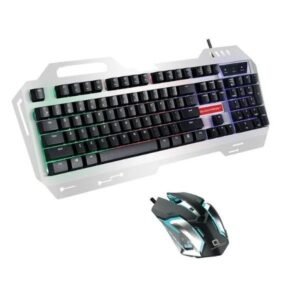
Quantron Wireless Keyboard & Mouse clone Combo Set

$1,499.00
Next

HD Microphone, Computer Webcam with USB Plug and Play Camera for Youtube, Skype Video Calls

$7,180.00
Next Product Image

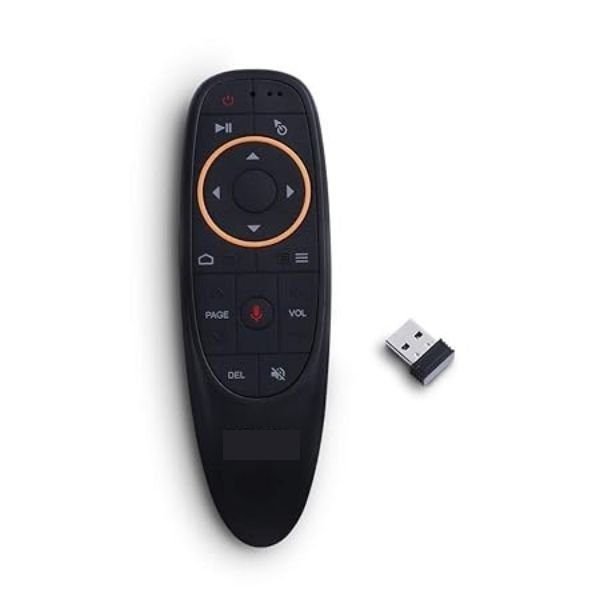
Voice TV Remote, Air Remote for Smart TV/Projector

$799.00

Trust Badges

Highlights:
Type of Product TV Remote
Type of Devices Controlled TV
Number of Batteries 2
Color  Black
Special Feature Voice Search, Motion Control
Connectivity Technology  4g
Add to Wishlist
Add to Wishlist
Trust Badge Image

Description


Voice TV Remote, Air Remote for Smart TV/Projector

air remote

Voice Remote Air Mouse, 2.4G RF Wireless Remote Control with 6 Axis Gyroscope and IR Learning – Supports Voice Input and Remote Control in multiple devices with Android, Mac OS, Windows and Linux systems. Have fun with your family and friends!

Features

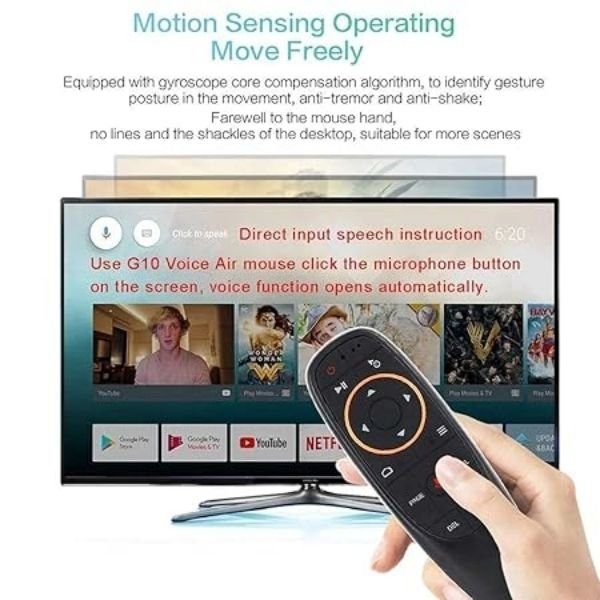
  • Powerful design–The wireless air mouse comes with built-in axis gyroscope, gravity acceleration sensor and fidelity voice input.
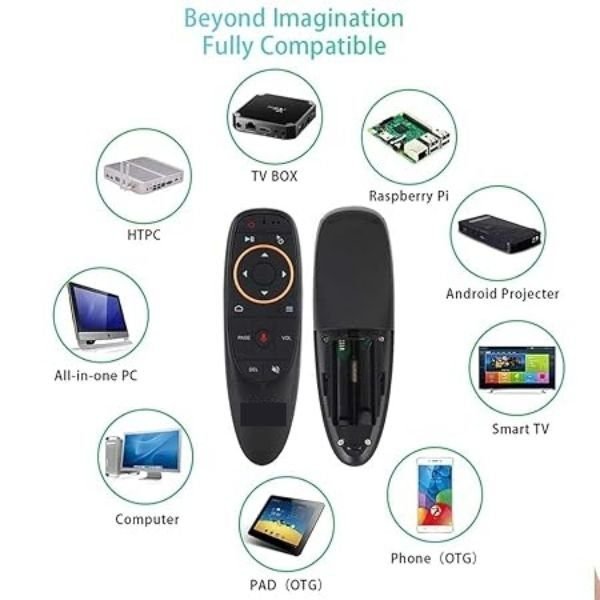
  • Widely compatible–It can perform the functions of a traditional remote control, computer mouse, and gaming motion controller on Mac OS, Windows, Raspbian, Linux platform.
  • Plug and play, simple and smooth–The ergonomic air mouse replaces the fixed computer mouse and infrared button remote control, giving you convenience and fun.
The main function

IR Learning (Take the example of learning ‘power’ button)

  1. Keep pressing ‘power’ button. The LED turns on and flashes quickly a few times, then turns off. Release the power button and the LED will blink slowly. The air mouse enters IR learning mode when the LED flashes slowly.
  2. Press the ‘power’ button when you aim the IR transmitter with air mouse. Air mouse receives the code successfully if LED light.
  3. LED flashes slowly means that Air mouse has finished learning.
  4. Data will be saved automatically and the product will exit learning mode.
  5. Press ‘OK’+ ‘DEL’ to clean the code up.


Please note that only the power button supports programming, and the power button supports learning the function of any button of your other remote control.

Voice Input
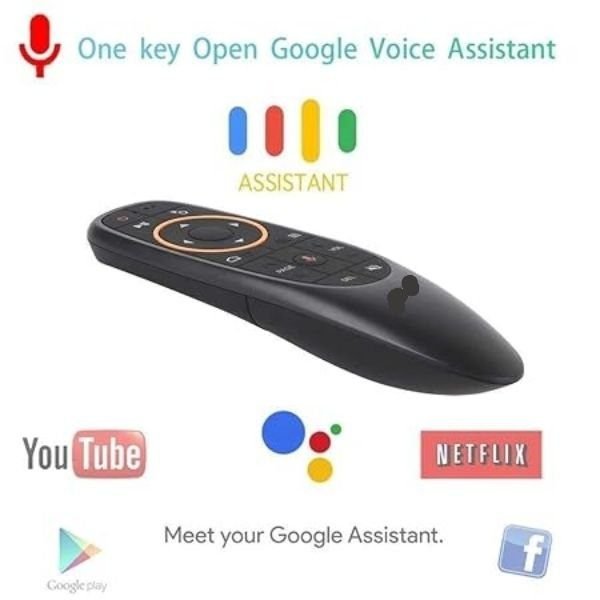
  1. Please install the Google Assistant app.
  2. Click ‘microphone’ button, then the voice function will open automatically.
  3. Press and hold ‘microphone’ to turn on voice channel. Release the key to turn off voice channel.


air mouse remote

Voice TV Remote Air Mouse, Air Remote for Smart TV/Projector
Reviews

There are no reviews yet.

Be the first to review “Voice TV Remote, Air Remote for Smart TV/Projector”

Your email address will not be published. Required fields are marked *

Shopping cart

0
image/svg+xml

No products in the cart.

Continue Shopping